Story to video, shot by shot

Create Complete Story Videos with an AI Drama Generator

DramaGen turning one idea into a complete drama workflow

AI drama workflow

How the AI Drama Generator Turns One Idea into Video

01 / IDEA

Start with the story and conflict

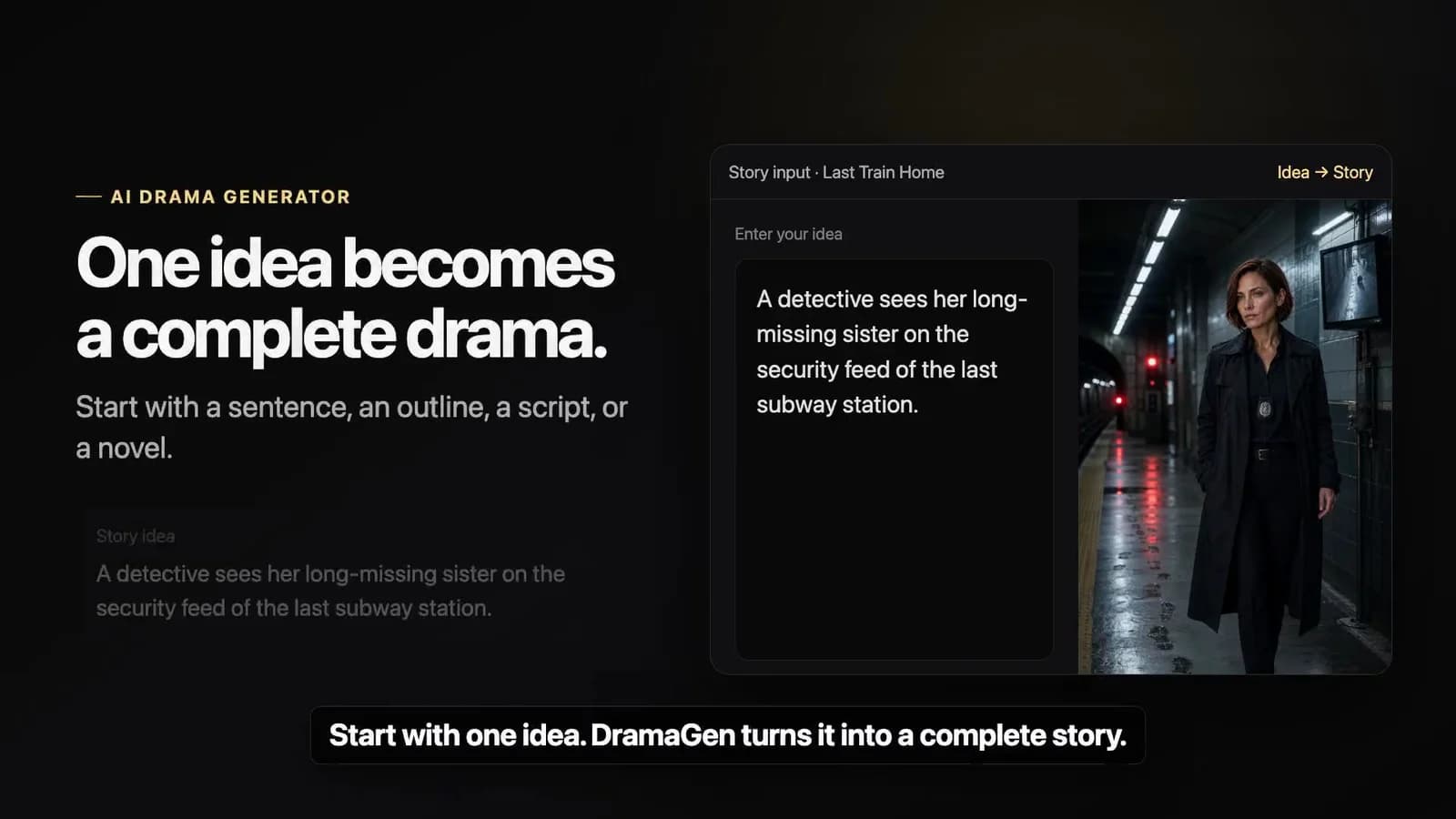
Story idea9:16

On the night before the capital falls, General Shen Yuan discovers that the enemy commander is the brother she believed was dead.
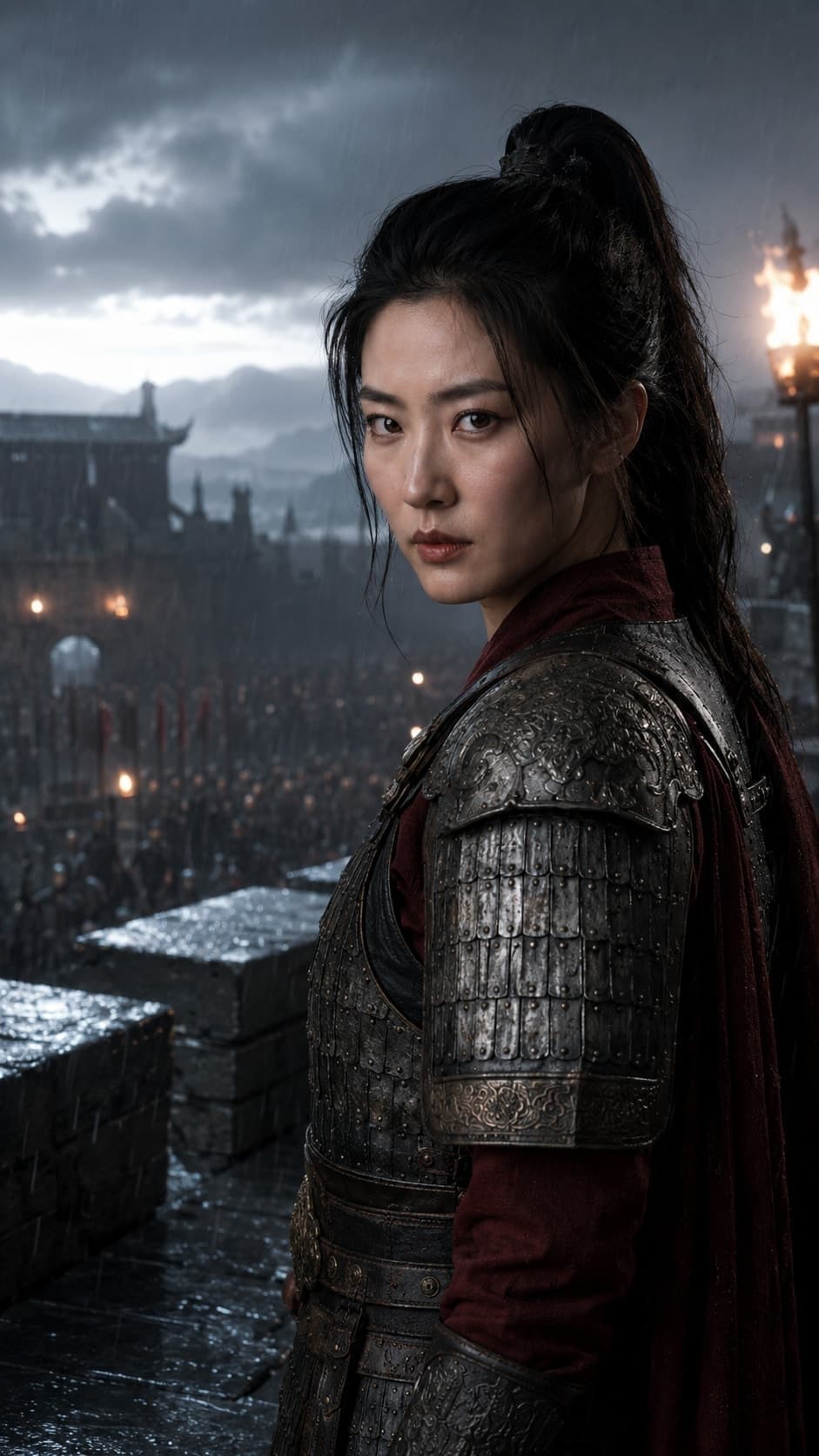
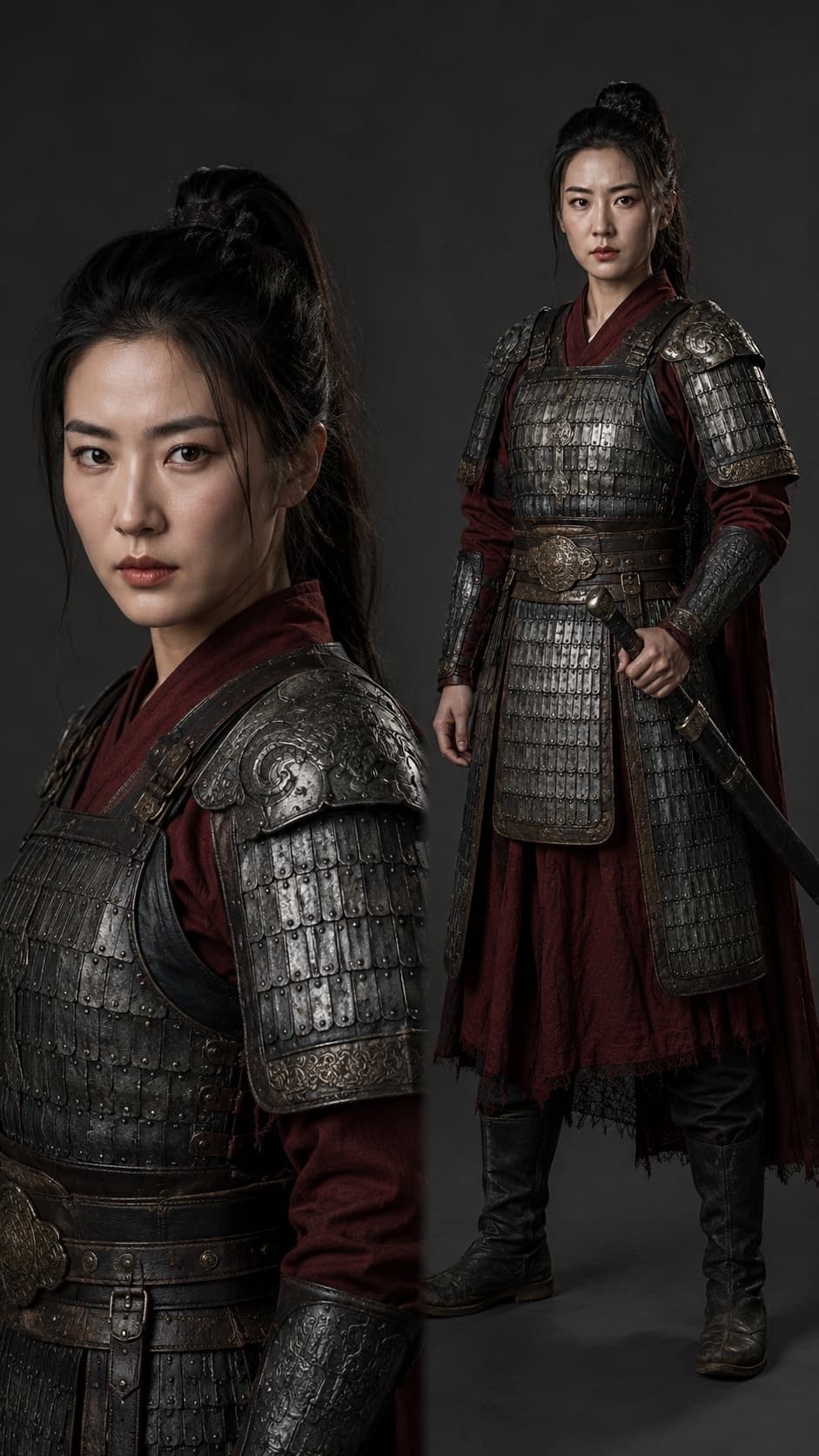
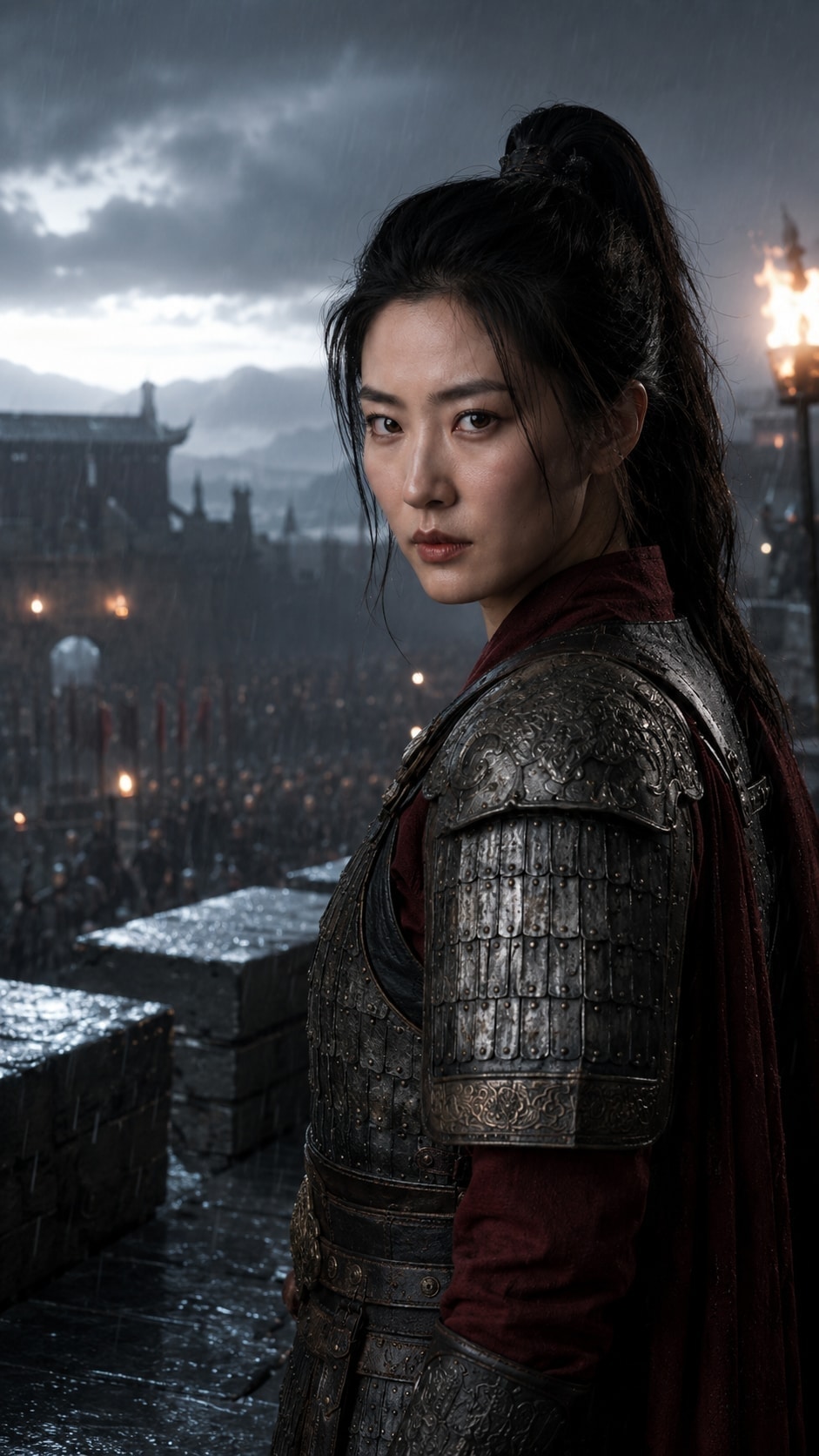
Character reference for fictional Chinese general Shen Yuan
Character reference
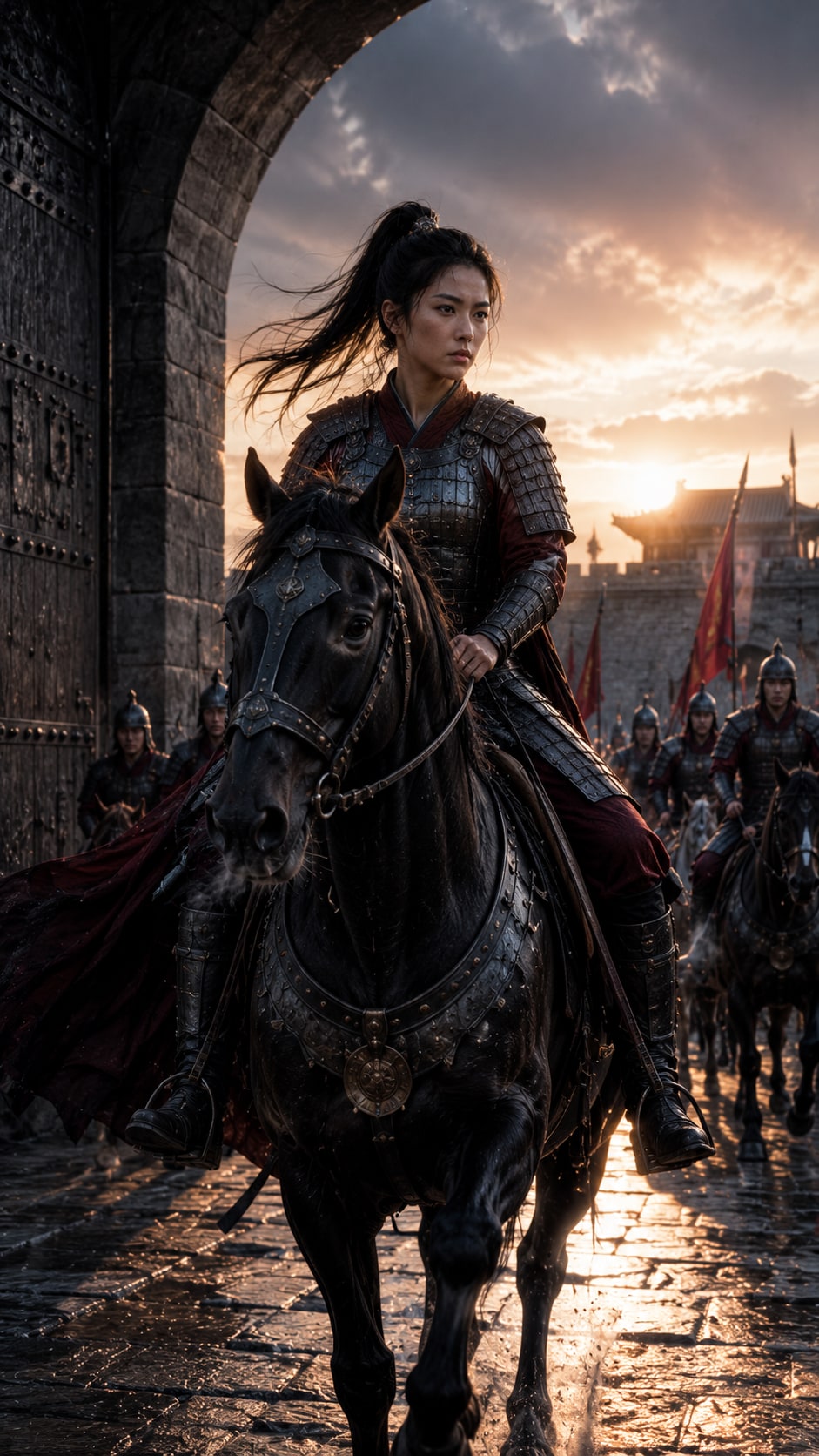
The general at an ancient fortress gate
Fortress gate
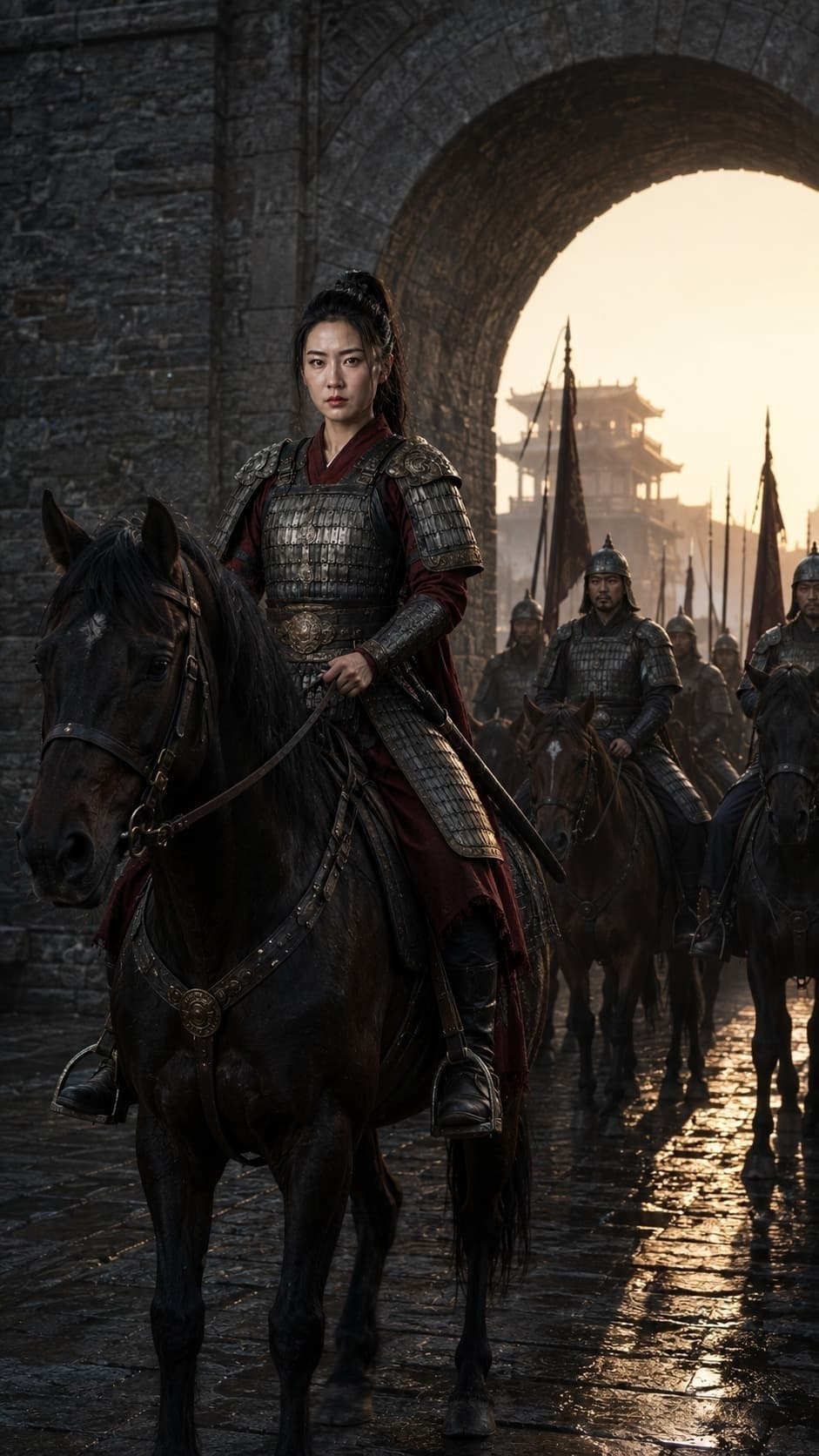
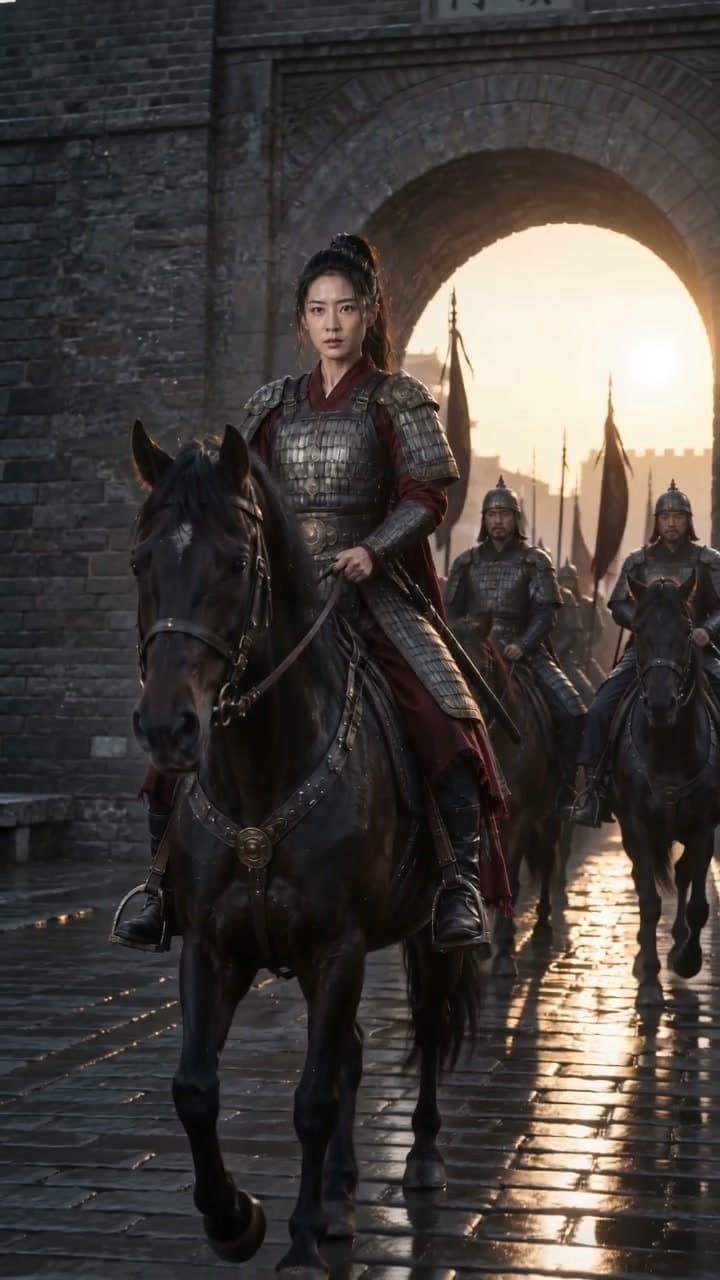
The same general leading a cavalry departure
Cavalry departure
02 / ASSETS

Build reusable characters and locations

03 / STORYBOARD

Plan every shot in the director's storyboard

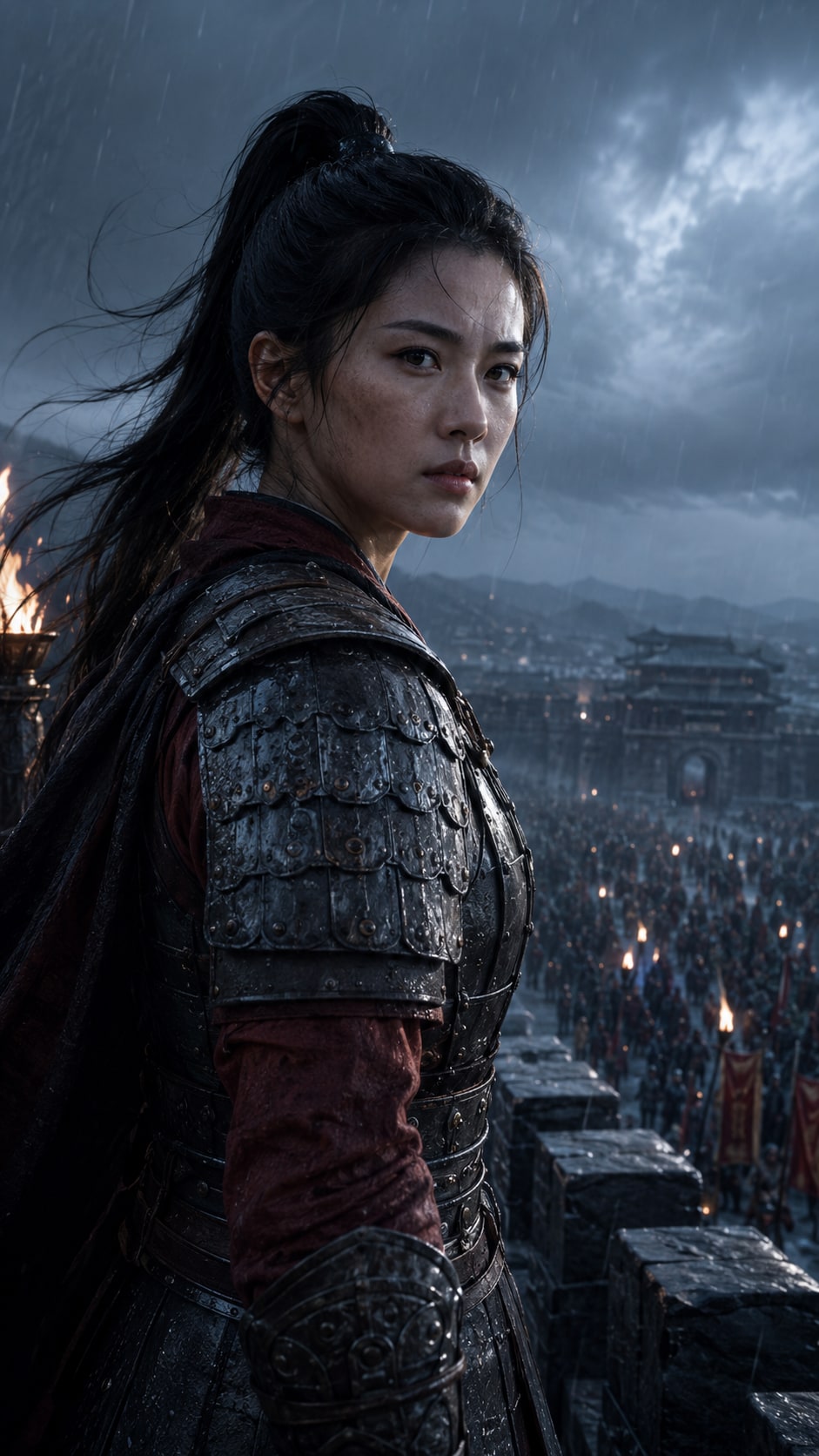
Storm over the wall
01Storm over the wall
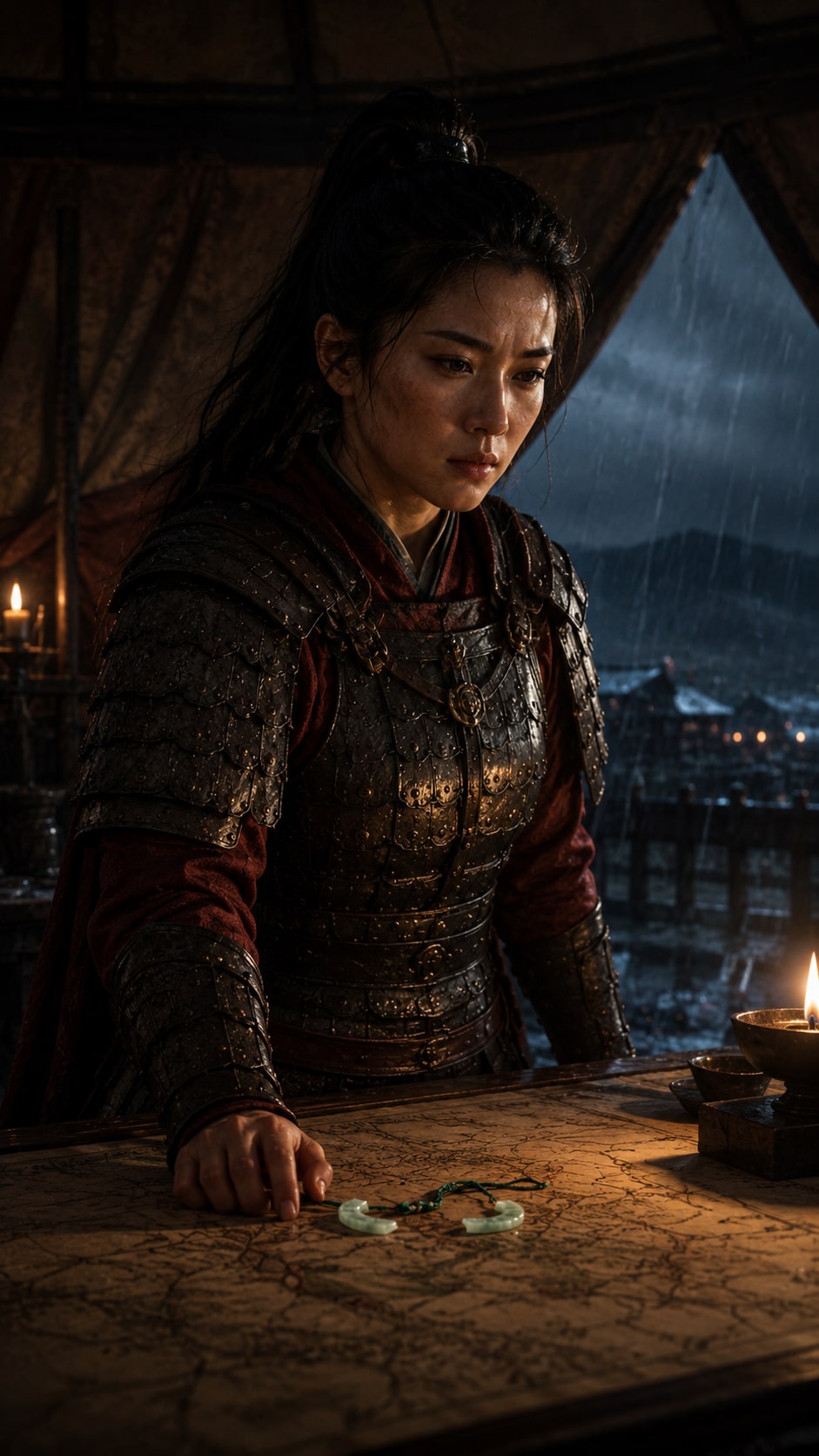
The plan in the tent
02The plan in the tent
Formation at the gate
03Formation at the gate
Cavalry departure
04Cavalry departure
The final generated video from the historical drama
Video generated in DramaGen00:04
04 / VIDEO

Generate and refine the final scene

Fictional story and characters. Demo assets were created through the DramaGen workflow.

Consistency starts with assets
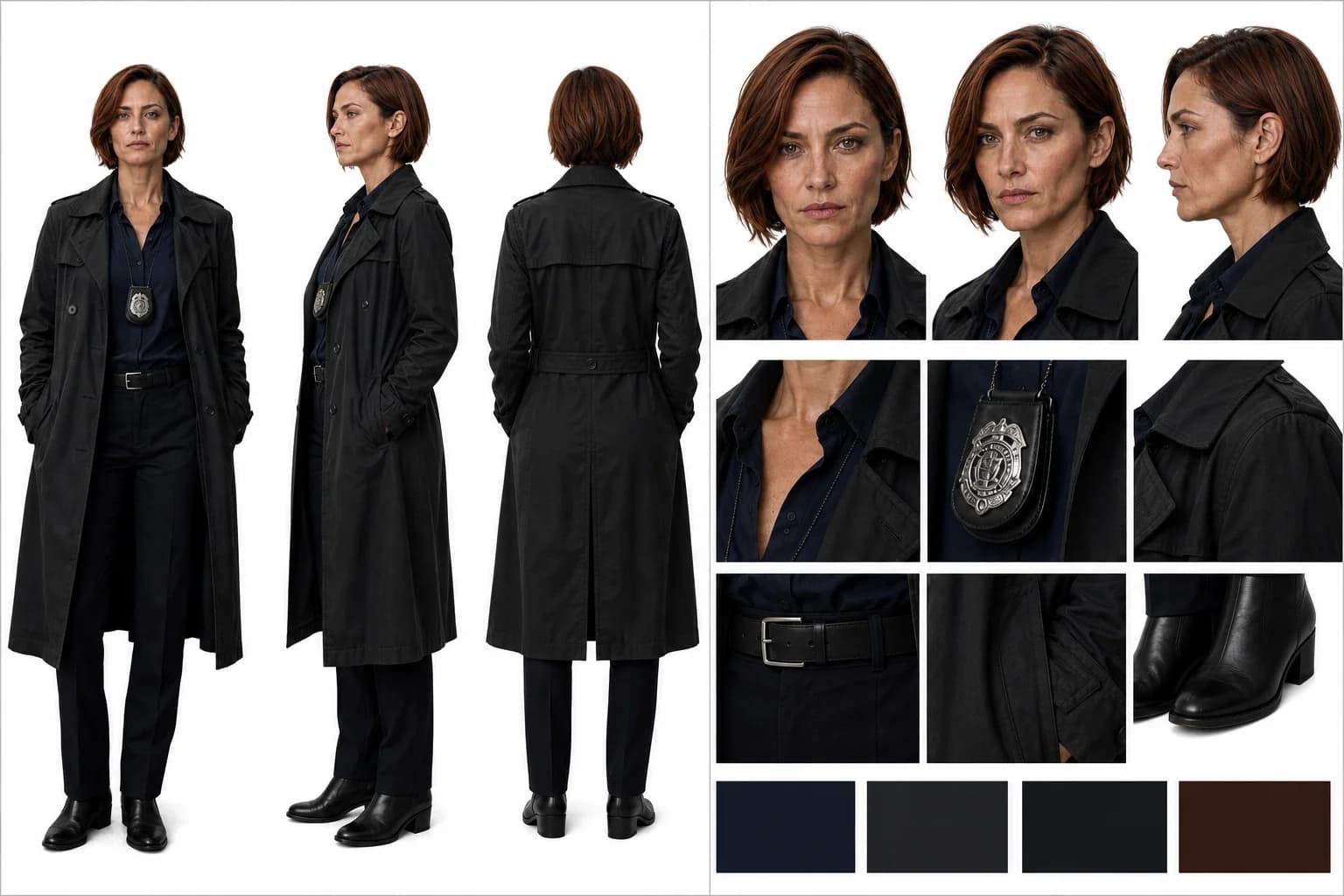
Keep Characters, Locations, and Props Consistent

Front, profile, and back views of the same female detective01

Character reference views

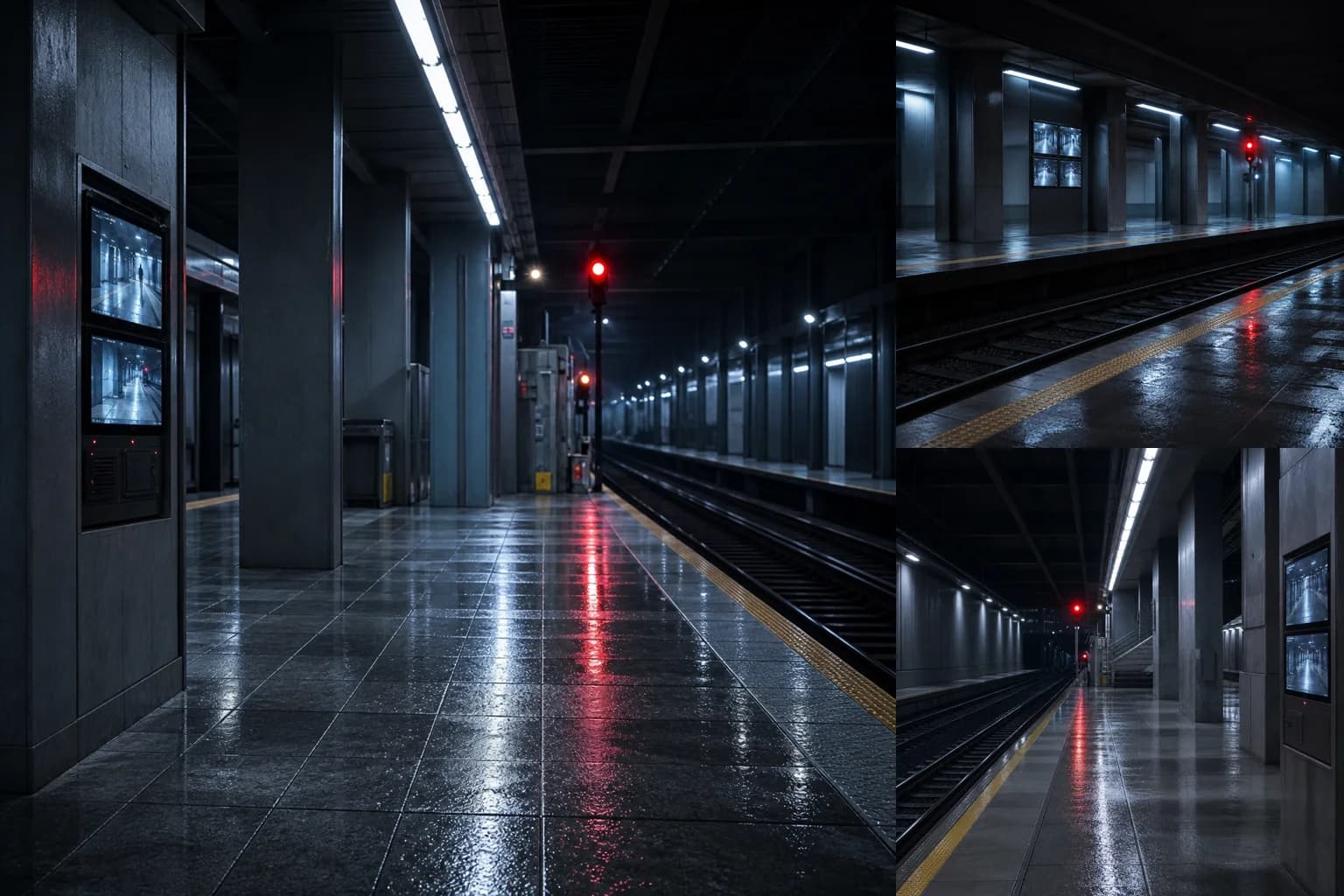
Longitudinal, lateral, and reverse views of the same rain-soaked subway station02

Location reference views

Front, side, and top views of the same detective badge in its leather holder03

Prop reference views

AI drama examples

One AI Workflow for Different Kinds of Drama

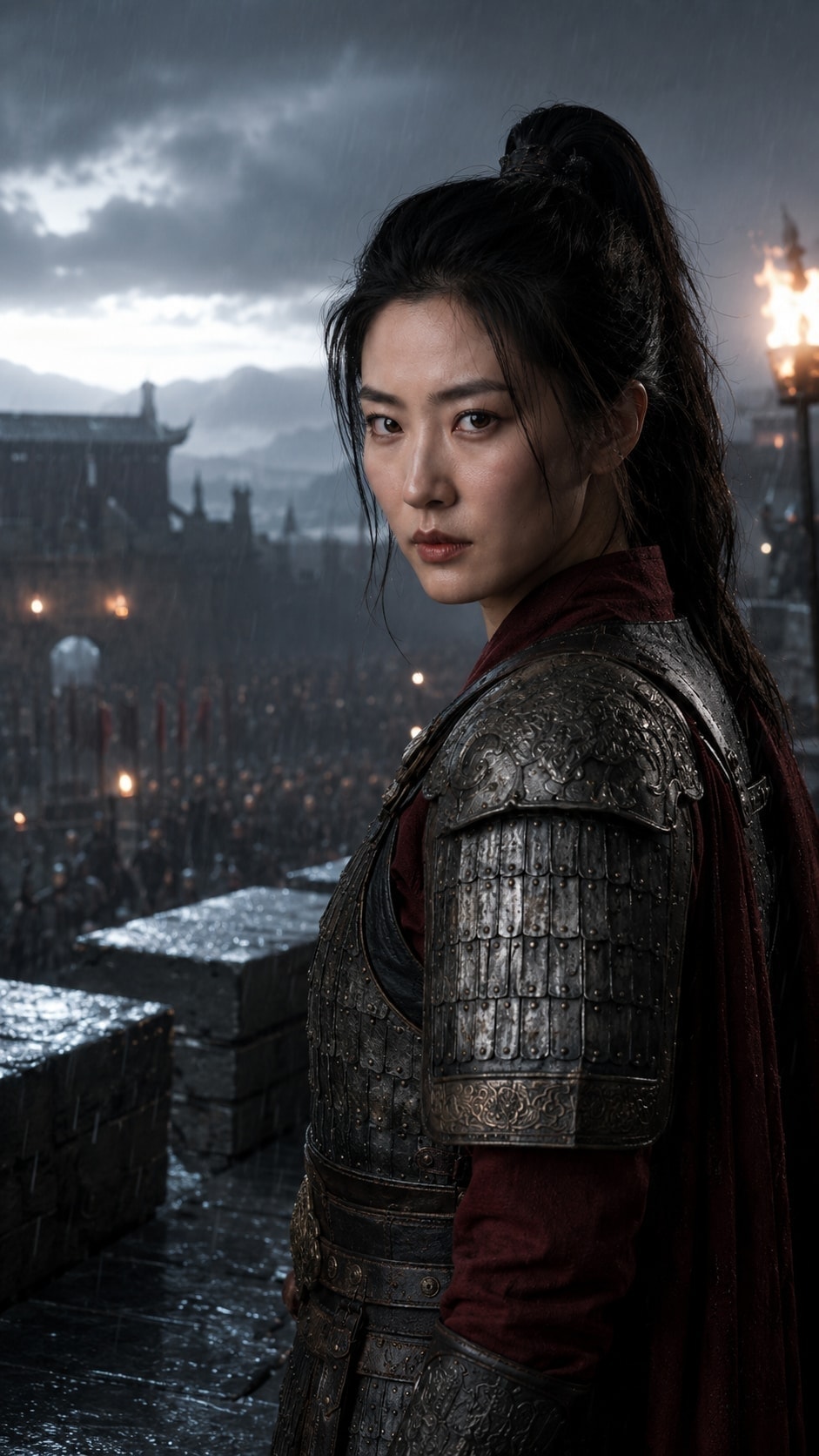
A Chinese general at an ancient fortress gate
Eastern historical war drama

The General at the Fallen Gate

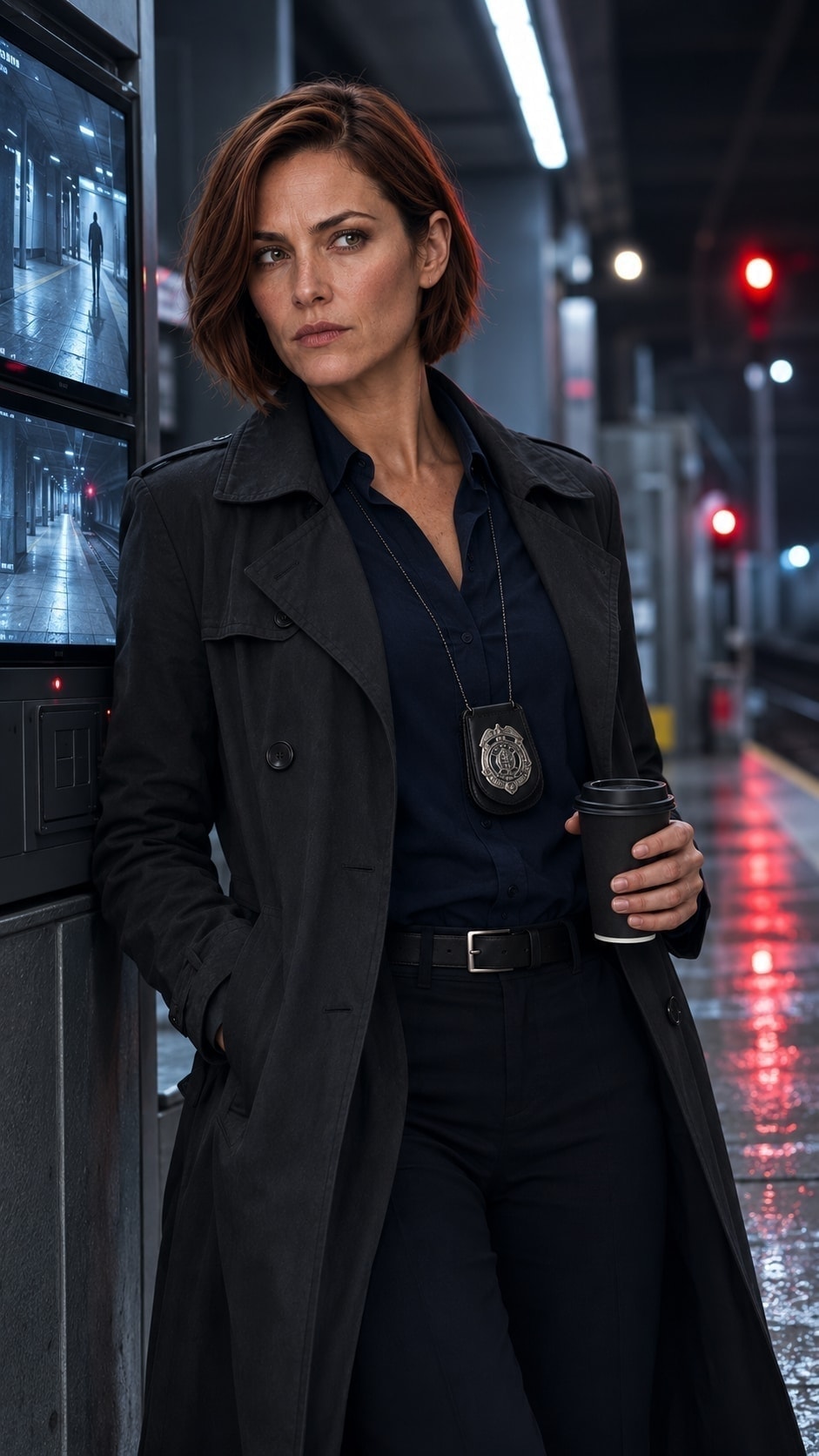
A Western detective at a subway station in the rain
Contemporary Western noir

Last Train Home

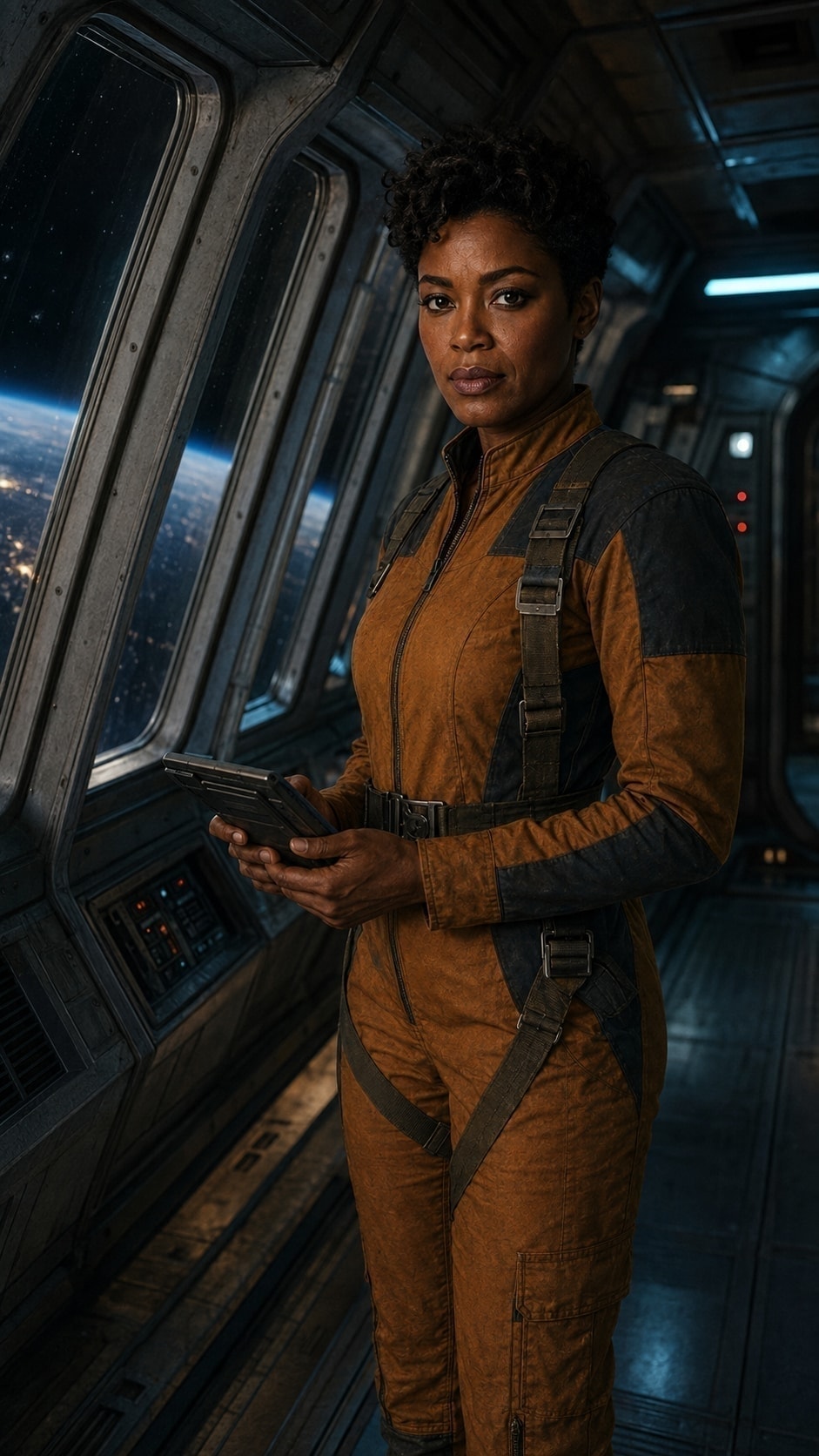
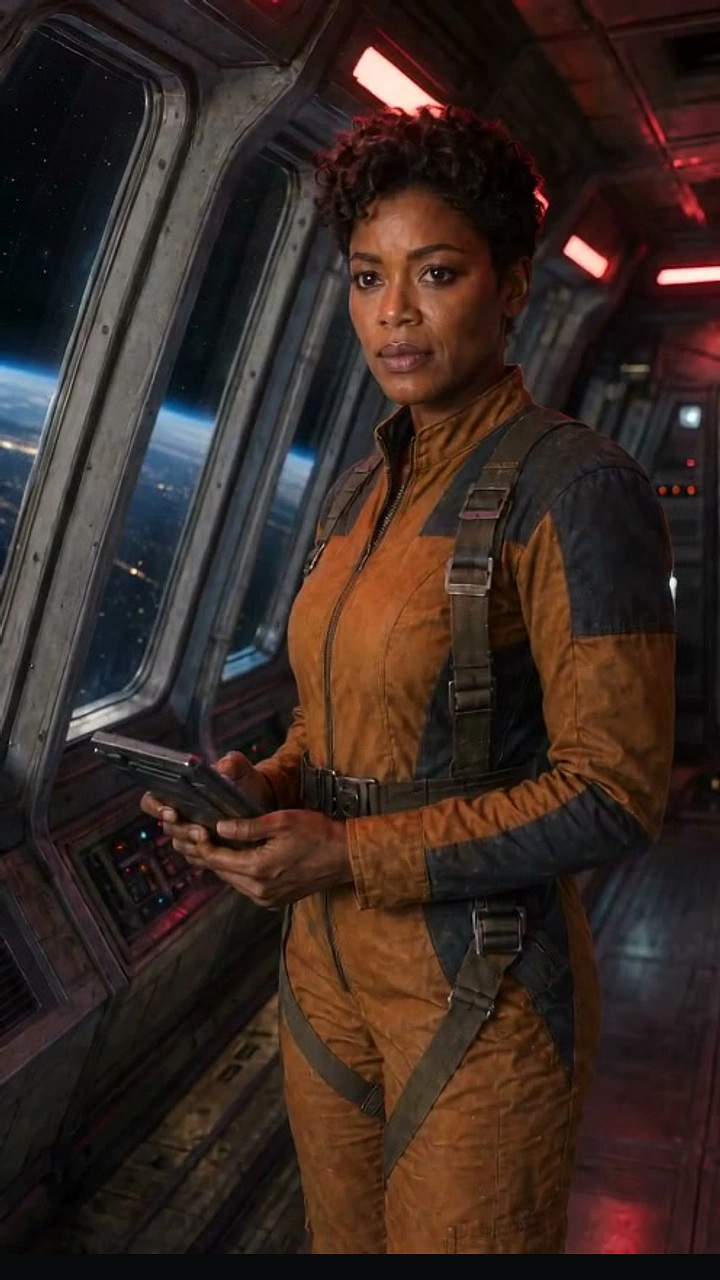
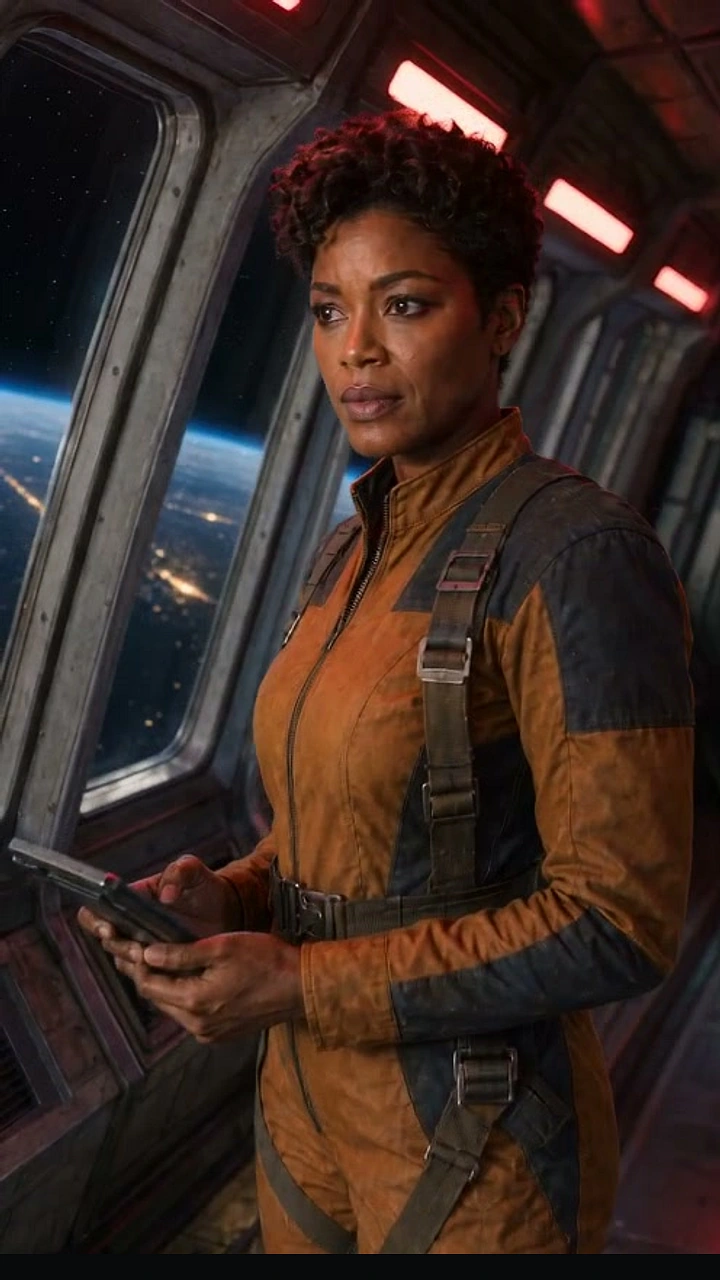
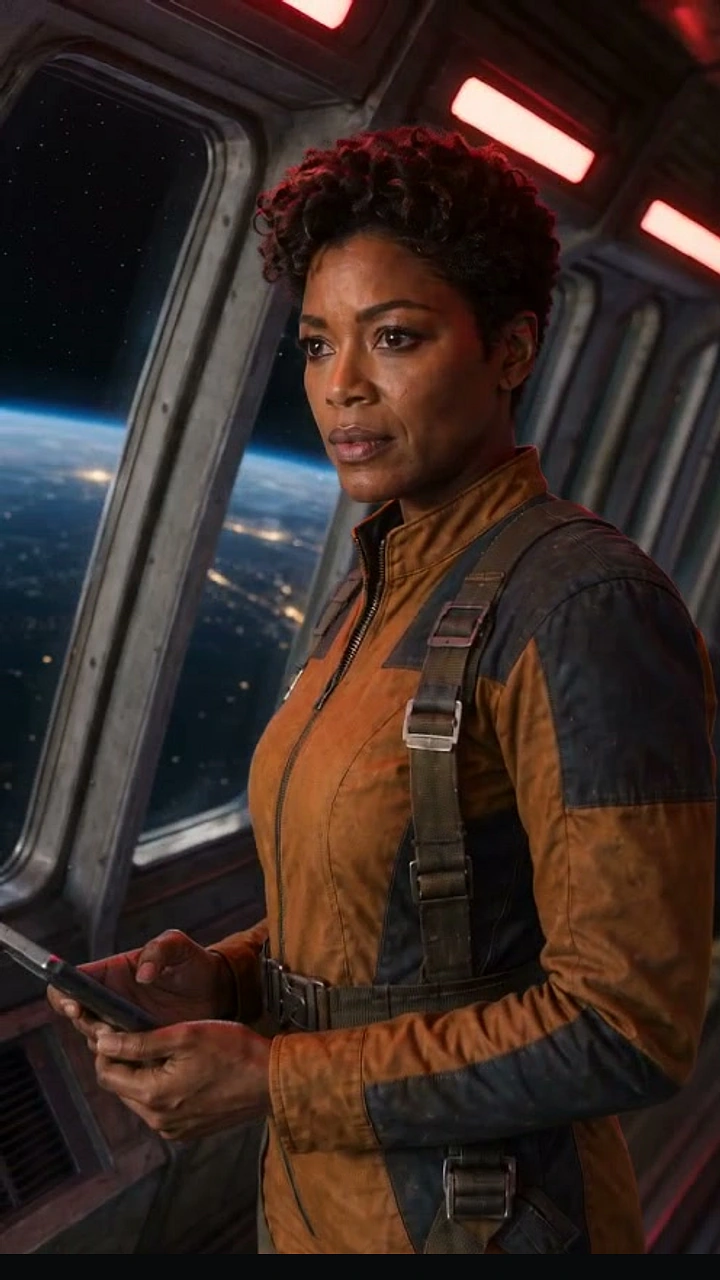
A Western aerospace engineer inside a retro orbital station
Western retro science fiction

The Silent Orbit

Director's storyboard

Direct Every Shot Before Generating Video

Framing and composition
Camera movement
Performance direction
Shot prompt
DramaGen storyboard workspaceEditable shot by shot
The real DramaGen storyboard workspace with framing, camera, performance, and prompt controls 101
The real DramaGen storyboard workspace with framing, camera, performance, and prompt controls 202
The real DramaGen storyboard workspace with framing, camera, performance, and prompt controls 303
The real DramaGen storyboard workspace with framing, camera, performance, and prompt controls 404
Framing and composition
Camera movement
Performance direction
Shot prompt

Credits follow the task

Try DramaGen Before Choosing a Plan

New accounts receive 300 credits
View pricing

FAQ

AI Drama Generator FAQ

It turns a story idea or source text into reusable characters and locations, an editable storyboard, voice, and shot-by-shot video in one project.

Yes. Start with one idea, a novel chapter, screenplay, or outline. DramaGen keeps the source with the project as you build each stage.

Approve character reference views first, then reuse them in later shots. AI output can still vary, so every result remains reviewable and editable.

Yes. Save a location's time, weather, lighting, layout, and props, then reuse it whenever the story returns there.

Adjust framing, composition, camera movement, performance, photography notes, prompts, and image candidates before generating video.

Costs vary by task and model. DramaGen shows the required credits before generation. Current plans and limits are on the pricing page.

Start Your First Drama